



Over time, Samsung has cultivated a vast array of applications, many of which come preloaded on its Galaxy series mobile devices. While Samsung apps are initially tailored for Samsung Galaxy phones, there are compelling reasons for users who don’t own Samsung devices to explore these apps. These reasons include gaining access to advanced features and functionalities that can significantly enrich their Android experience. This compilation showcases the finest Samsung apps that are universally beneficial, irrespective of the Android phone brand you use.
1. Samsung Internet – For Easy Browsing
While most Android devices come with Google Chrome as the default browser, there are alternative options to consider for mobile browsing. One such alternative is Samsung Internet, a mobile browser that prioritizes privacy and security, offering numerous features to enhance the browsing experience. Unlike other browsers, Samsung Internet boasts a Privacy Dashboard equipped with an intelligent anti-tracking tool. Additionally, it seamlessly integrates with Samsung Knox, the company’s security platform, providing an extra layer of safeguarding. This browser also supports add-ons and features a high-contrast mode that optimizes the colors of fonts, backgrounds, and other elements to enhance visibility.
Pros
- Control video playback easily through the Video Assistant feature
- Pop-up video player
- Embedded ad-blockers
- Reader mode
Cons
- Occasional compatibility issues, as some websites are not fully optimized with Samsung Internet
- Limited cross-platform syncing of bookmarks, history, and open tabs
2. Samsung Smart Switch – For Transferring Your Data
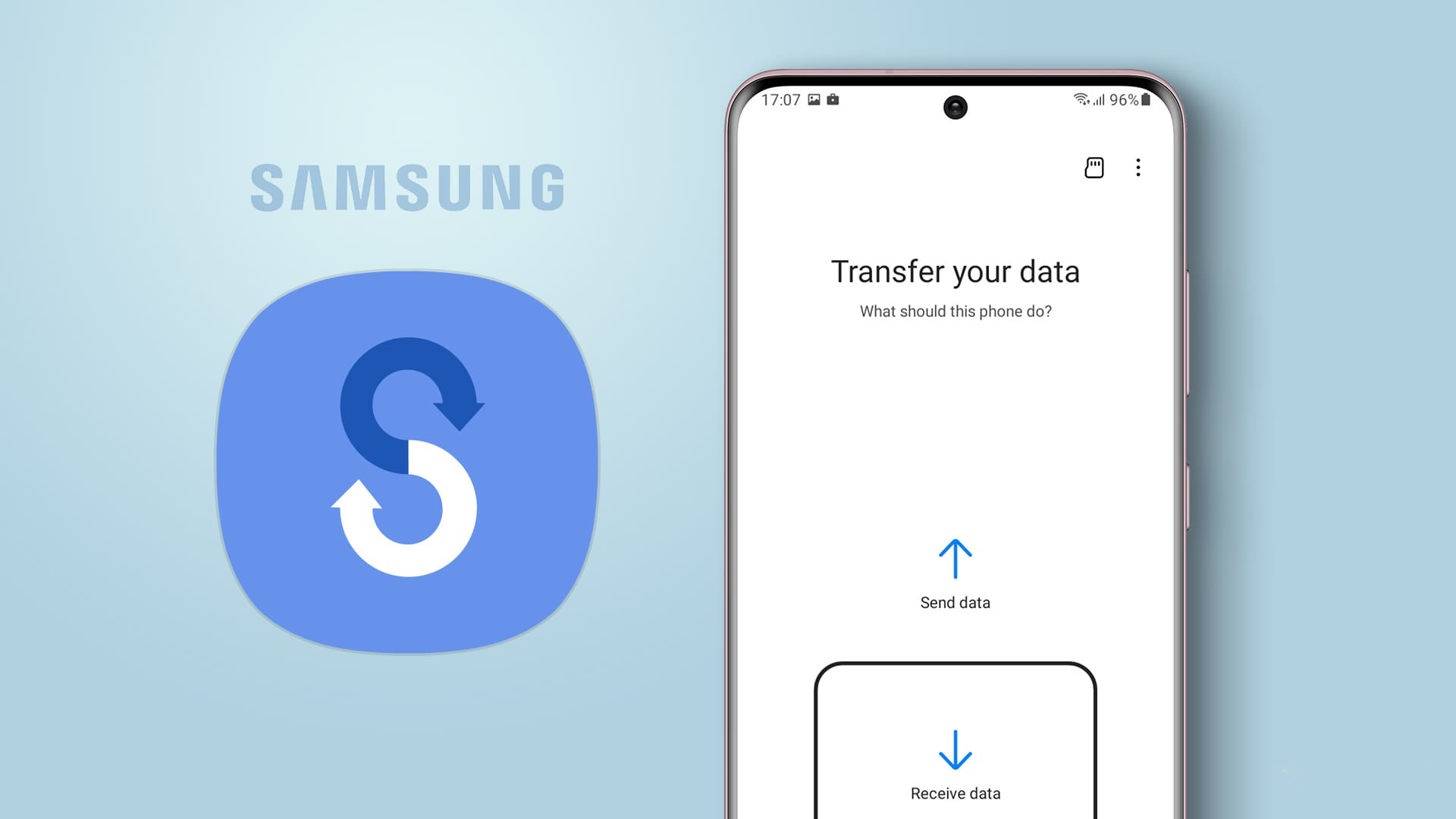
Transitioning to a new smartphone doesn’t have to be a daunting experience. Samsung Smart Switch streamlines the task of moving data from your previous Android or iOS device to your new Galaxy device. This tool facilitates the smooth transfer of a variety of data, encompassing contacts, messages, photos, videos, applications, call logs, and additional content. Through an intuitive step-by-step guide, the application grants you the choice to execute the transfer using either a direct Wi-Fi connection or a wired link. However, it’s worth noting that if you’re seeking to transfer data between two non-Samsung Android devices, you’ll need to explore alternative solutions.
Pros
- Windows app available
- Convenient backup (to SD card or computer) and restore functionality included
Cons
- May not be able to back up settings, custom notifications and ringtones, app data (limited), or contacts’ pictures
- Larger transfers can take a long time
Tip: get up to speed with these tips that show you how to customize your Samsung phone home screen.
3. Samsung Health – For Fitness Lovers
While certain Android devices are equipped with Google Fit, if you’re not particularly fond of it, Samsung Health serves as an excellent substitute. Offering an extensive array of functionalities, this app enables users to monitor and manage diverse facets of their overall well-being. These encompass workouts, sleep patterns, heart rate, stress levels, and various other health indicators. Particularly suitable for those with an active lifestyle, Samsung Health diligently tracks a wide spectrum of physical activities, ranging from walking and running to cycling and swimming. You have the flexibility to establish goals, monitor your progress, and establish routines that promote a healthier and more engaged way of life.
Pros
- Provides personalized health insights based on the collected data
- Supports integration with third-party apps and devices, so non-Samsung users can sync health and fitness data with compatible wearables and other applications
Cons
- Some features and functionalities may not work as intended on non-Galaxy devices or may be unavailable
- Tedious setup process
4. PENUP – For Creatives
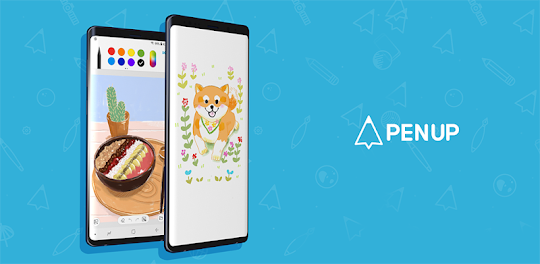
Samsung PENUP serves as a virtual community and application tailor-made for artistic individuals seeking a platform to craft and exchange digital artwork. Geared towards stylus enthusiasts, particularly users of Samsung’s S Pen included with Galaxy Note devices, this app’s reach extends to all Android users. Even without a stylus, creativity can still flourish as drawing can be done using a finger. The toolset boasts an array of drawing implements, allowing you to bring your doodles to life. Moreover, the option to embellish images with your creations is also at your disposal. The app offers an engaging avenue to partake in challenges and embrace drawing prompts that resonate with your creative spirit, often rewarding your participation with incentives.
Pros
- Includes fun coloring pages
- Offers drawing tutorials via the Live Drawing features
- Has a social component that allows you to browse artwork and “Follow” content creators
Cons
- Experience might be limited if you don’t have a pen, and if you sport a non-S Pen, the level of compatibility is limited
5. Samsung SmartThings – For Smart Home Owners

For those who possess an assortment of smart home gadgets spanning different brands, the Samsung SmartThings app presents itself as a unifying hub. Seamlessly bringing together various devices under one digital roof, this app serves as a centralized control center. Its compatibility extends to a broad spectrum of third-party smart devices and platforms, fostering a holistic ecosystem. By harnessing the power of SmartThings, users can weave intricate webs of automation routines that streamline their daily routines. Tasks can be scheduled, triggers can be set, and more, all orchestrated to enhance convenience. Additionally, the app bestows the ability to oversee and operate smart home devices remotely from any location, ensuring that even when away, you remain informed about and in command of your gadgets’ statuses.
Pros
- Controls devices, such as lights, thermostats, cameras, and more
- Integration with voice assistants, such as Alexa and Google Assistant
- Tips on making the most out of your smart gadgets
Cons
- advanced features or functionalities that are optimized for Samsung devices may not be fully available
6. Samsung Galaxy Wearable – For Samsung Smartwatch Owners
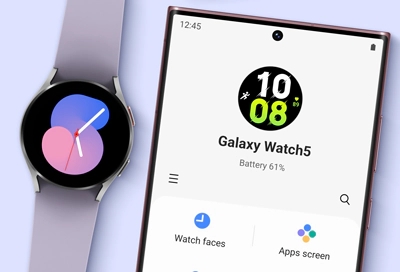
Certain Samsung Galaxy smartwatches and wearables, including models like the Galaxy Watch5 Pro and Gear Fit2 Pro, offer compatibility with non-Samsung Android phones. This connection is facilitated through the Galaxy Wearable app. However, there are specific prerequisites that the phone must fulfill, contingent upon the particular Galaxy wearable being paired. For instance, the Galaxy Watch5 Pro necessitates an Android 8.0 (or higher) operating system on the phone, coupled with a minimum of 1.5GB of RAM.
It’s worth noting that installing the Galaxy Wearable app on your device might not hold relevance if you do not possess a Galaxy wearable. Conversely, for those in possession of such wearables, the app can deliver indispensable functionalities. These encompass the ability to modify and personalize watch faces, as well as add new watch applications to enhance the wearable’s functionality. Nevertheless, it’s worth highlighting that, surprisingly, it’s feasible to utilize a Galaxy Watch even without a paired phone.
Pros
- Find My Watch option
- Fitness and health tracking component
Cons
- Limited options for those who don’t own a Samsung Galaxy phone
The Bottom Line
Samsung’s suite of apps offers functionalities that can enhance the Android experience for users across various device brands. Whether it’s for web browsing, health tracking, data migration, or smart device management, these apps bring a range of benefits to all Android users.


